Month view
The whole month with week numbers, multi-day events and exactly as many week rows as needed.

Monthly calendar
Your whole month. Clear, quick and straightforward.
A focused calendar app for people who prefer to see events in context rather than in separate lists.
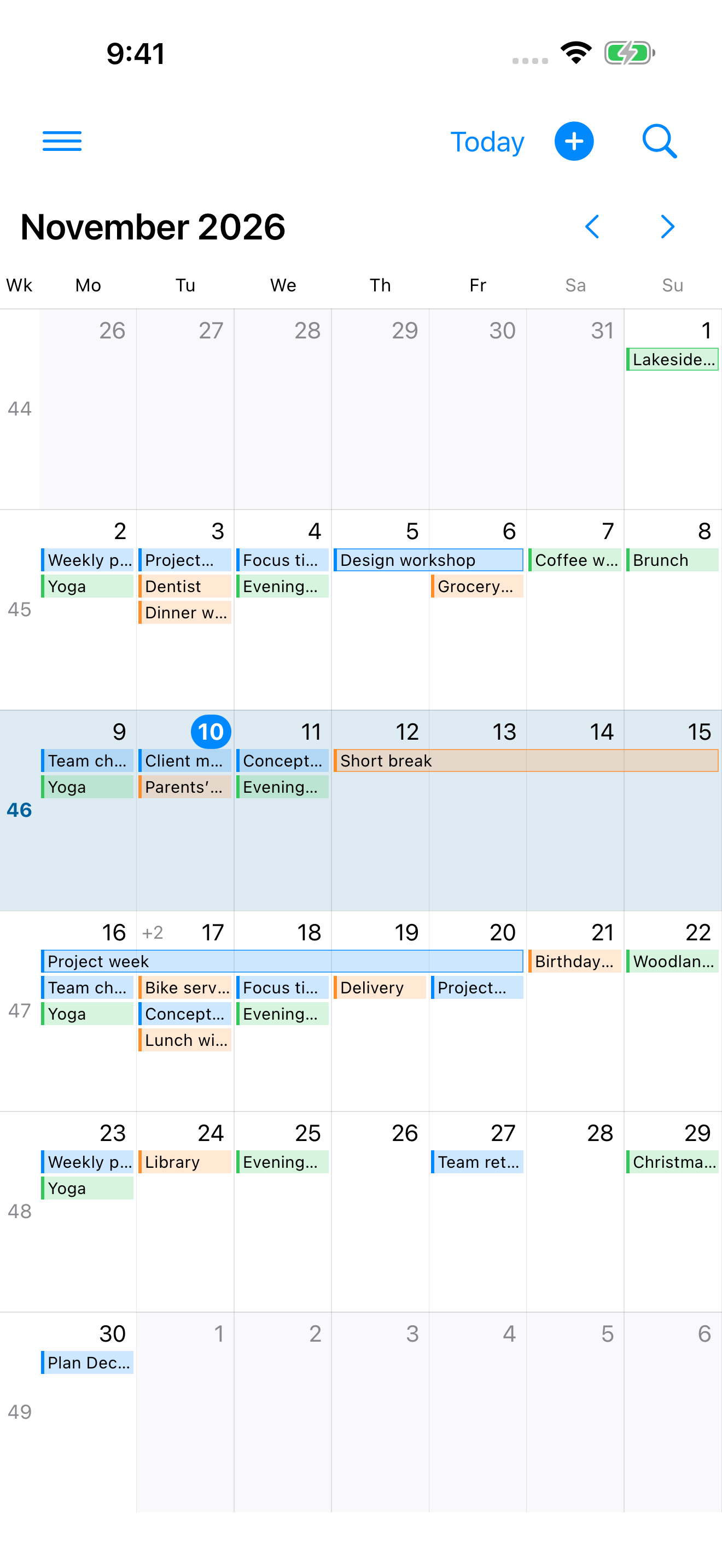
Focused on what matters
The whole month with week numbers, multi-day events and exactly as many week rows as needed.
Create, view, change or delete events directly – including repeating events and alerts.
Show or hide calendars, choose colors and adjust the view to suit your month.
More possibilities
These features are available in version 1.1 on the App Store.
Search event titles and open results directly for editing. Search covers your selected calendars, except the holiday calendar, from one year before to one year after today.
Month Atlas sends local notifications for alerts saved with your events. Tap a notification to open its event. Control the feature in the app settings; notification permission from iOS is required.
Choose an existing calendar as your holiday calendar. Its events tint the relevant days instead of taking up regular event bars. Their titles appear in the day panel. Holiday data is not built in.
See a selected day’s events below the month grid. Drag the handle to adjust its height – your preferred split is saved.
The app follows your language preference automatically, or you can choose German or English in its settings. Calendar and event content is not translated; date and time formats follow your iOS region.
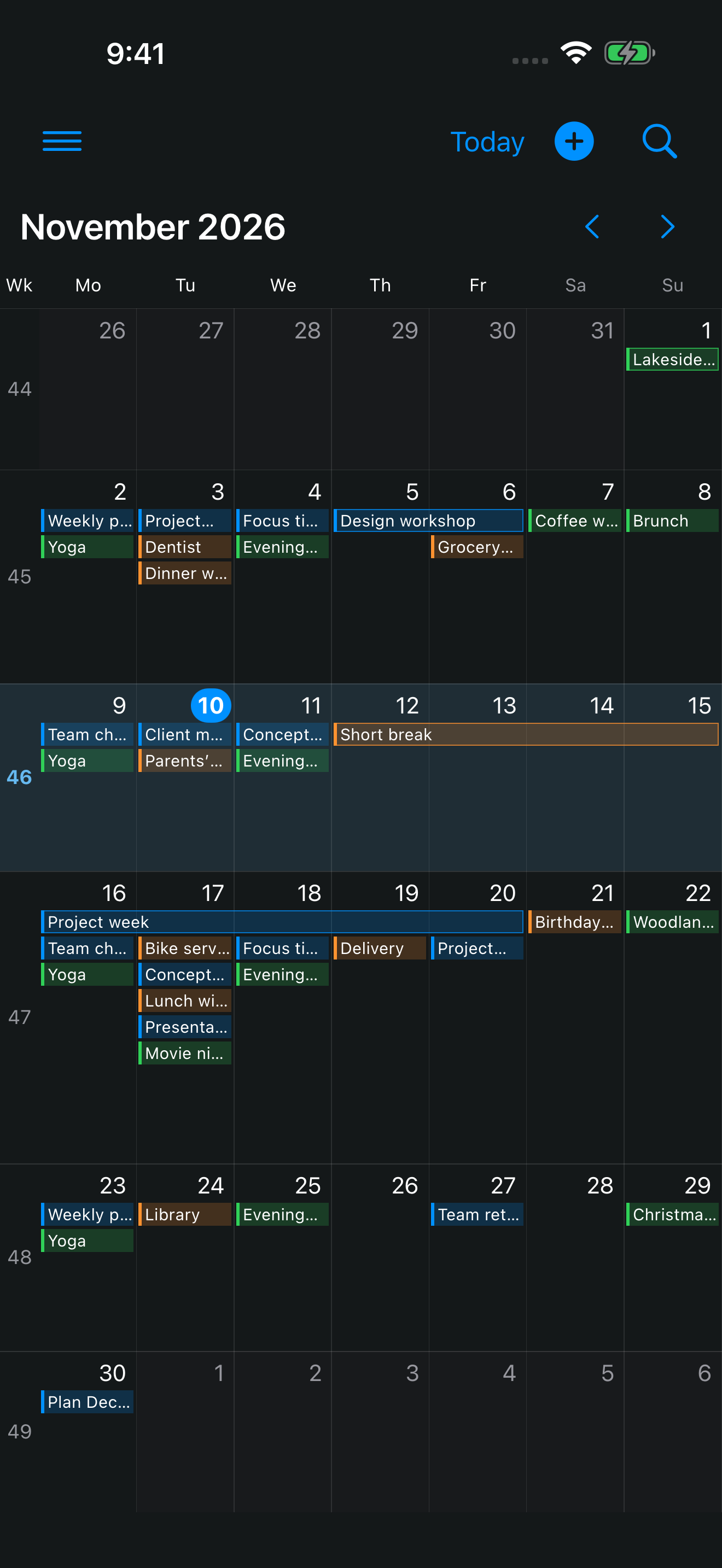
Give busier weeks more room when you want to. The whole month stays visible.
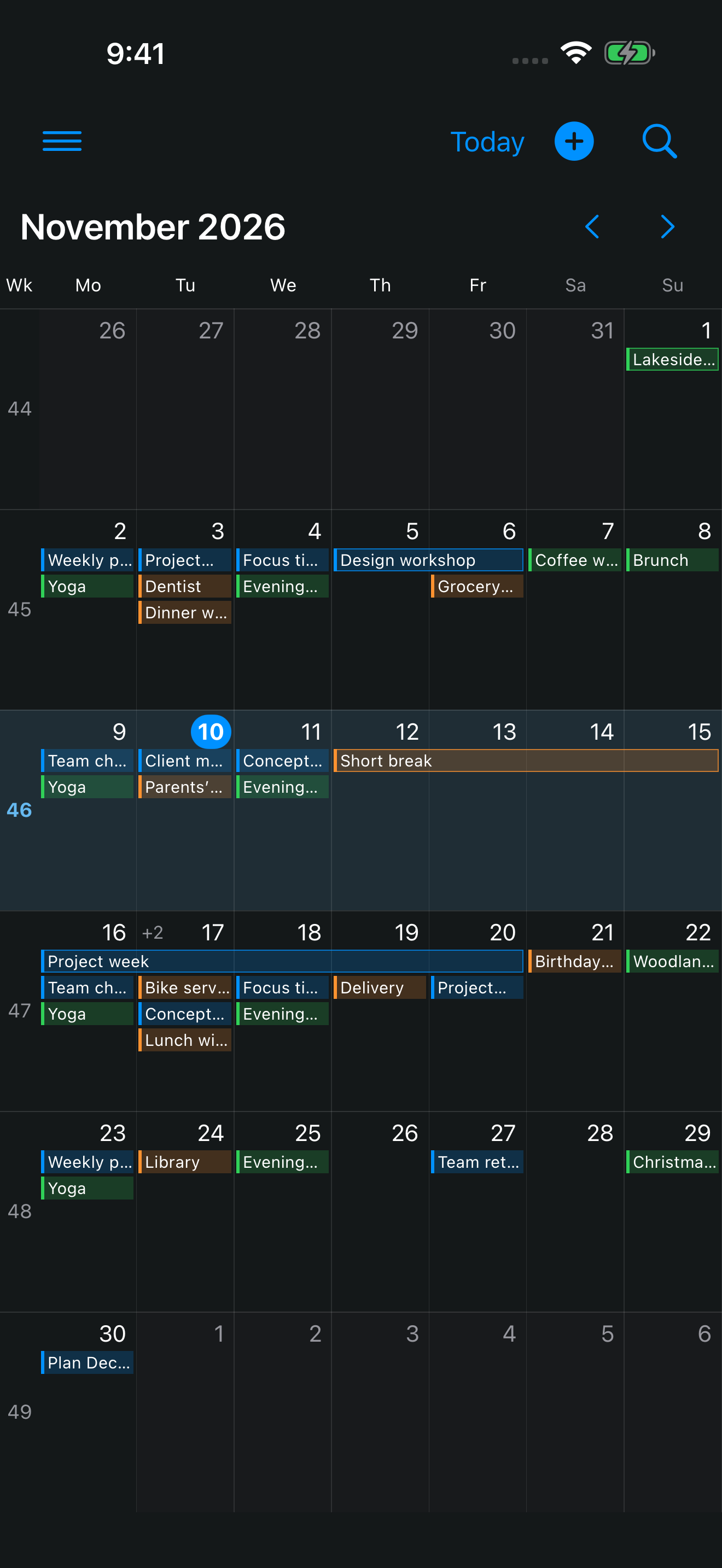
The appearance follows your iPhone’s system mode.
The app is built for iPhone with iOS 17 or later and is available on the App Store.
Month Atlas uses the calendars set up on your iPhone. You manage calendar accounts in iOS.
To display, create and edit your events. You manage access in the iOS settings.
iOS or your calendar provider handles synchronization. Month Atlas does not operate its own calendar server.
Month Atlas schedules its own local notifications for time-based event alerts, including those in hidden calendars. Apple Calendar may also notify you. Open Month Atlas regularly: external changes or long periods without opening the app may leave notifications outdated or missing. Uninterrupted delivery is not guaranteed.
Event titles in selected calendars, excluding the assigned holiday calendar. The search period runs from one year before to one year after today. Notes, locations and URLs are not searched.
No. Aptabase receives selected usage actions and technical information, but no calendar names or event content.
Read the privacy policyAnother question? Contact